Get the Most Out of Tonalic

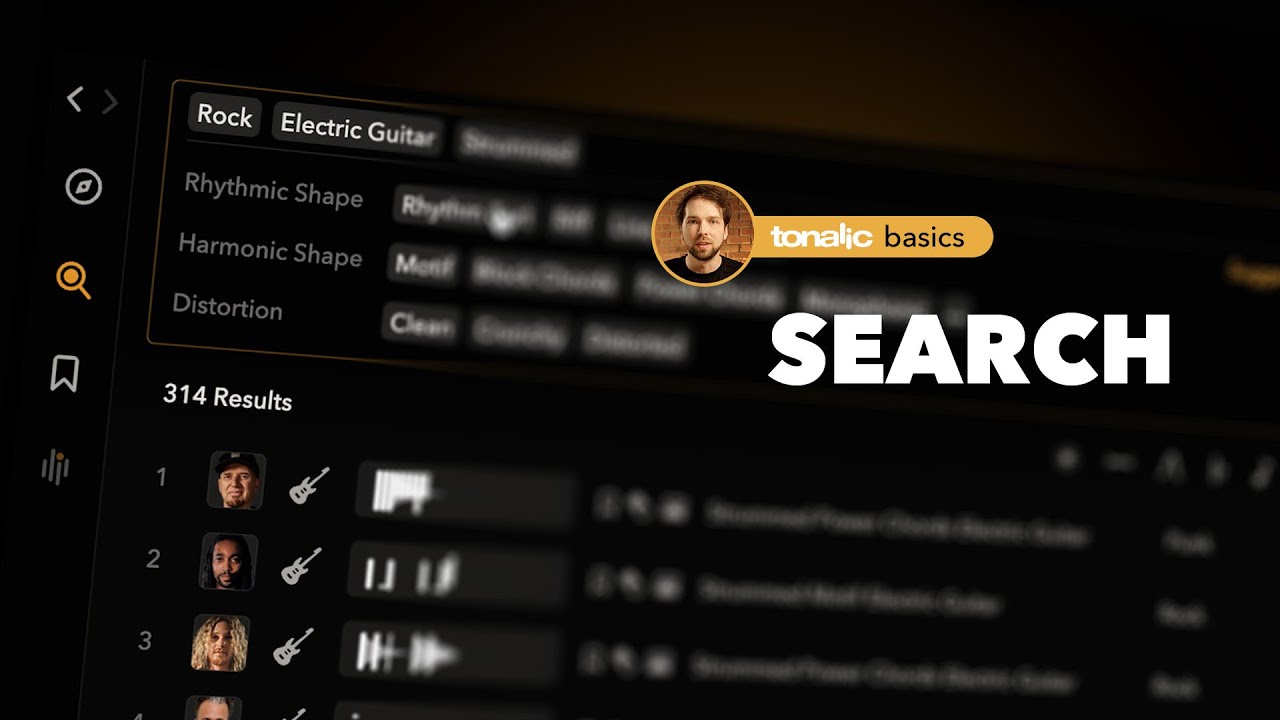
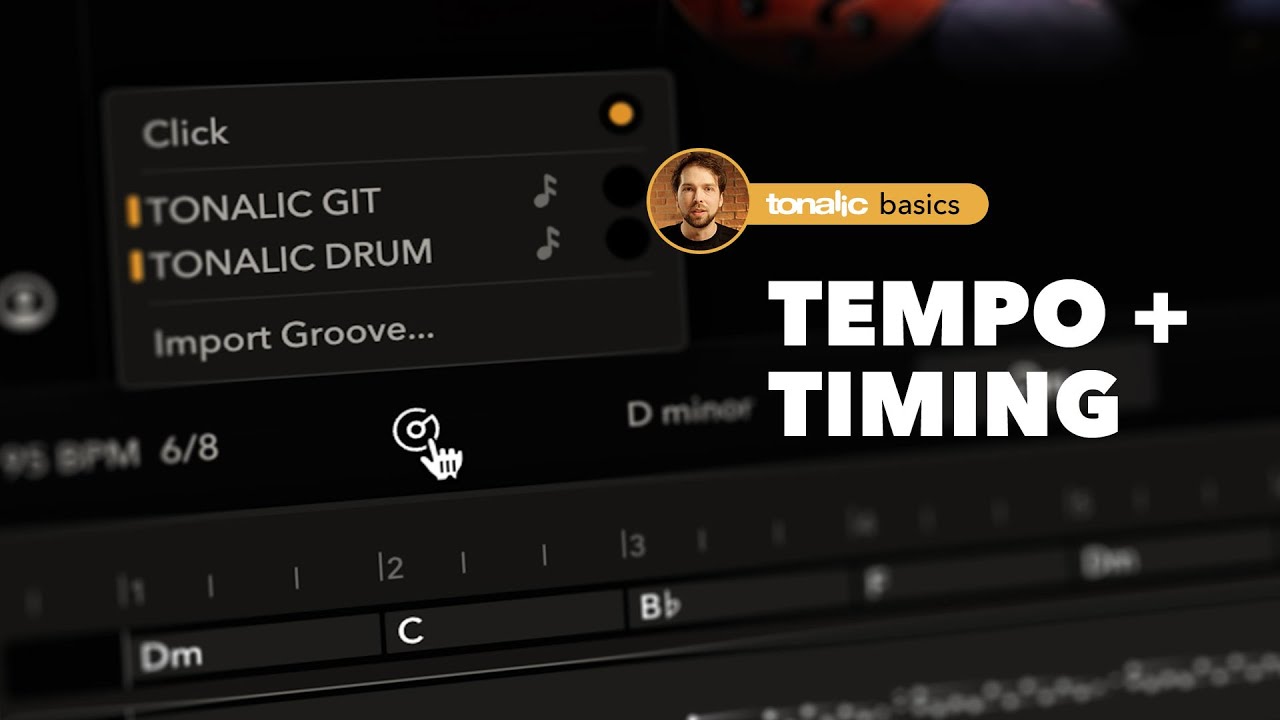
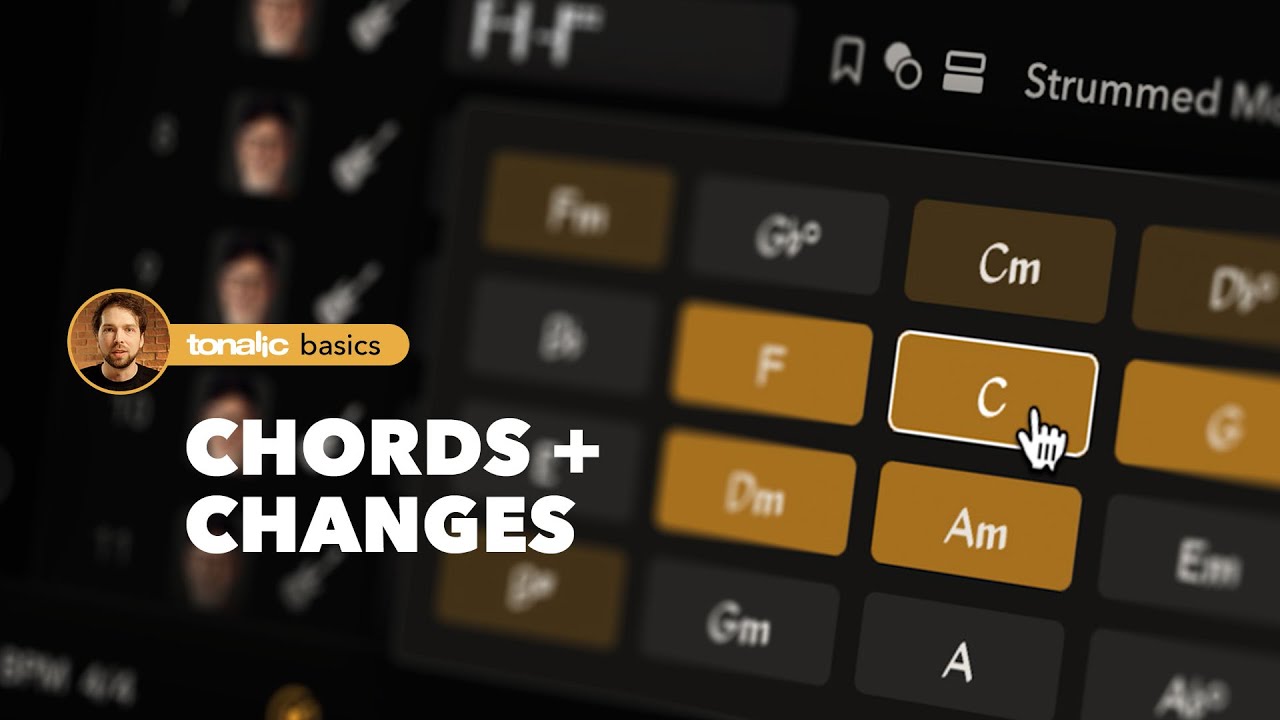
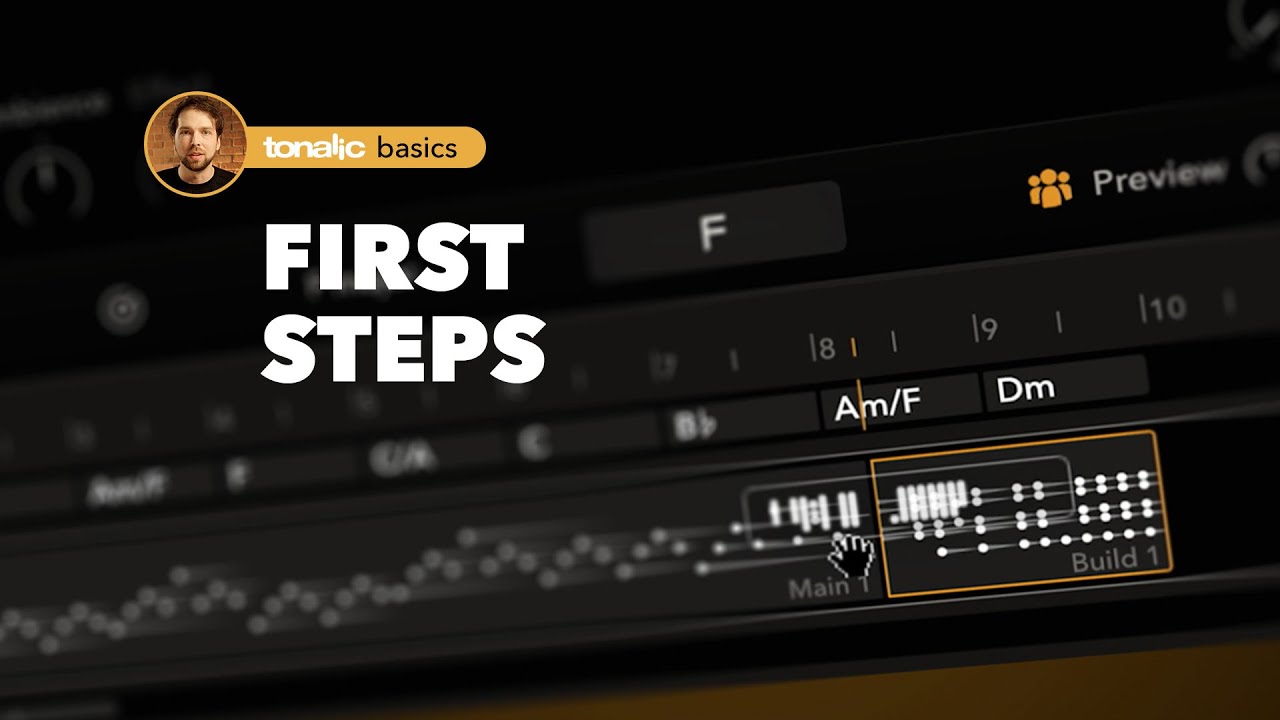
Tonalic works a bit differently from traditional libraries — especially when it comes to handling chords and overall workflow. Product Director Leo Waidosch walks you through all the key features.
DAW-FAQ

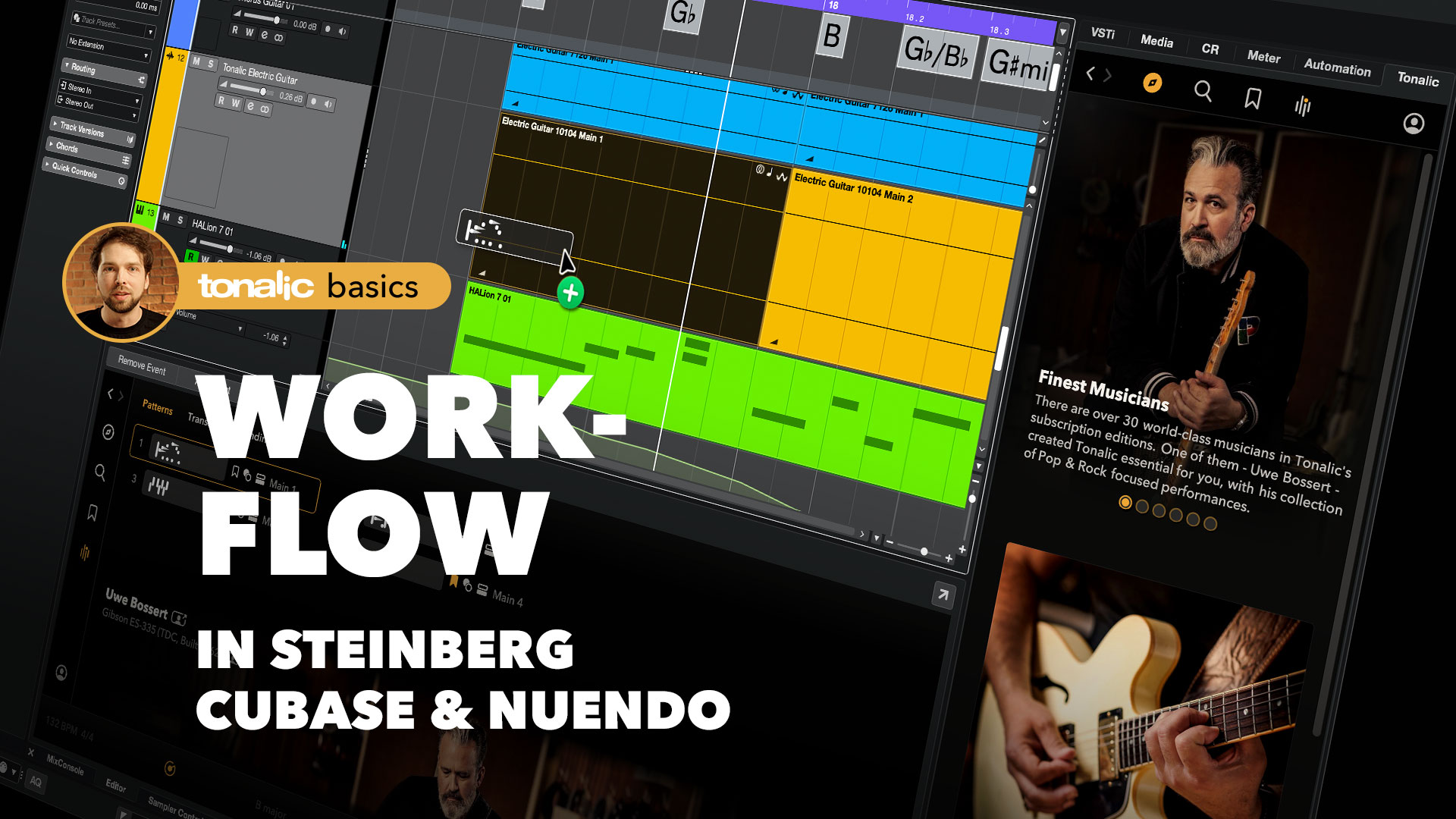
How to Load Tonalic in Cubase
  • Open a Cubase project.
  • Right-click in the Track Area and select Add Instrument Track.
  • Choose Tonalic Instrument as the instrument.
  • (Optional) Increase the Count value to add multiple tracks at once, then click Add Track.
  • Log in when Tonalic first opens.

Each Tonalic Instrument Track corresponds to one Tonalic Track inside the plug-in.
Rename your tracks — the names appear automatically inside Tonalic.

Tip
Track names and order changes in Cubase are reflected instantly in Tonalic.
If they don’t appear immediately, close and reopen MultiTrack View.

Compatibility

We have tested the latest version of Tonalic with the following configurations:

Cubase 14.0.50 (VST3) under

Windows 11
macOS 14.6 (Intel)
macOS 15.1 (Apple Silicon native)

How to Load Tonalic in Live
  • Open a new or existing Live Set.
  • Go to Preferences → Plug-Ins and enable Use VST3 Plug-In System Folders.
  • In the Browser, search for Tonalic.
  • Drag Tonalic Instrument onto a new track (or double-click it).
  • Log in when prompted.

Tonalic runs on an Instrument Track but does not respond to MIDI notes.

Tips

  • Each Tonalic Instrument instance creates its own track inside Tonalic.
  • Rename or reorder tracks—changes sync instantly with Tonalic.
Compatibility

We have tested the latest version of Tonalic with the following configurations:

Live 12.2 (VST3) under

Windows 11
macOS 15.5 (Intel)
macOS 15.5 (Apple Silicon native)

How to Load Tonalic in Logic
  • Open a Logic project.
  • Under Create New Track, choose Software Instrument.
  • In the instrument slot, navigate to
    AU Generators → Celemony → Tonalic Instrument → Stereo.
  • Click Create.
  • When Tonalic opens, log in with your Tonalic credentials.


Tonalic runs inside Logic on a Software Instrument track but is not a MIDI instrument.
MIDI notes on that track will not trigger Tonalic.

Tips

  • Add additional Tonalic Instrument tracks for more instruments.
  • Rename your Logic tracks; names appear inside Tonalic’s MultiTrack View.
  • To reopen Tonalic quickly, hold ⌘ + double-click the track header.
Compatibility

We have tested the latest version of Tonalic with the following configurations:

Logic Pro 11.2.2 (AU) under

macOS 15.5 (Intel)
macOS 15.5 (Apple Silicon under Rosetta)

How to Load Tonalic in Pro Tools
  • Open a Pro Tools session.
  • Go to Track → New… and create a Stereo Instrument Track.
  • In the track’s insert slot, load Tonalic Instrument
    (multi-channel → Celemony → Tonalic).
  • Log in with your Tonalic credentials.

Tonalic uses the Instrument Track as a host plug-in but is not a MIDI instrument.
MIDI data on that track will have no effect.

Tips

  • Each Tonalic Instrument insert corresponds to one Tonalic Track.
  • Rename tracks to identify them easily in MultiTrack View.
  • Track order inside Tonalic matches the order of creation in Pro Tools.
Compatibility

We have tested the latest version of Tonalic with the following configurations:

Pro Tools 2025.6 (AAX) under

Windows 11
macOS 15.5 (Intel)
macOS 15.5 (Apple Silicon native)

How to Load Tonalic in Studio One
  • Open a Studio One session.
  • In the right-hand Browser, locate Tonalic.
  • Drag Tonalic onto a track—or into the arrangement area—to load the ARA extension.
  • Log in with your Tonalic credentials when prompted.
  • Use the Chord Track to control Tonalic’s chords and progressions.

For best results, use Studio One 7.2 or later.
If your version doesn’t support Tonalic ARA, load Tonalic Instrument instead.

Tips

  • Work directly from the Browser, or double-click a Tonalic region to open the bottom-panel GUI.
  • Each Tonalic Instrument instance creates a separate track inside Tonalic.
  • Name tracks clearly before adding more.
Compatibility

We have tested the latest version of Tonalic with the following configurations:

Studio One 7.2 (ARA-VST3) under

Windows 11
macOS 15 (Intel)
macOS 15 (Apple Silicon native)

Any problems? We're happy to help!

If things aren't working as they should, our support team will be happy to help. Just send us an email at support@tonalic.com. Our support staff speak English, German, and Japanese and can usually help you very quickly.

Please let us know which Tonalic edition you are using, along with the version and the serial number. Additionally, it is essential to let us know your operating system and version, your CPU type, as well as your DAW name and version (i.e., macOS 15.4.7, Apple Silicon, Pro Tools 2025.10).

Our team (from left to right): Rich, Jörg, Rob, Ulf, Panos, Tom, Micha, Sascha (not pictured: Koji).


Tonalic feels like having a musician by your side.
No AI, no loops, no MIDI. Just a musician playing along to every chord, every tempo, every groove. Effortlessly.

The result? Authentic guitar, bass, and drum tracks in your song — with the sound, the emotion, and all the performance magic that happens between the notes.

From Celemony, the creators of Melodyne.
Played by world-class studio musicians.
Driven by your song.

Tonalic — a musician by your side